- calendar_today August 22, 2025
Although Windows 11 doesn’t make much of it, some of your favorite apps will soon become much more intelligent. Not a lot of changes. No difficulty onboarding. Just minor, significant adjustments that improve your productivity without requiring you to alter your working methods.
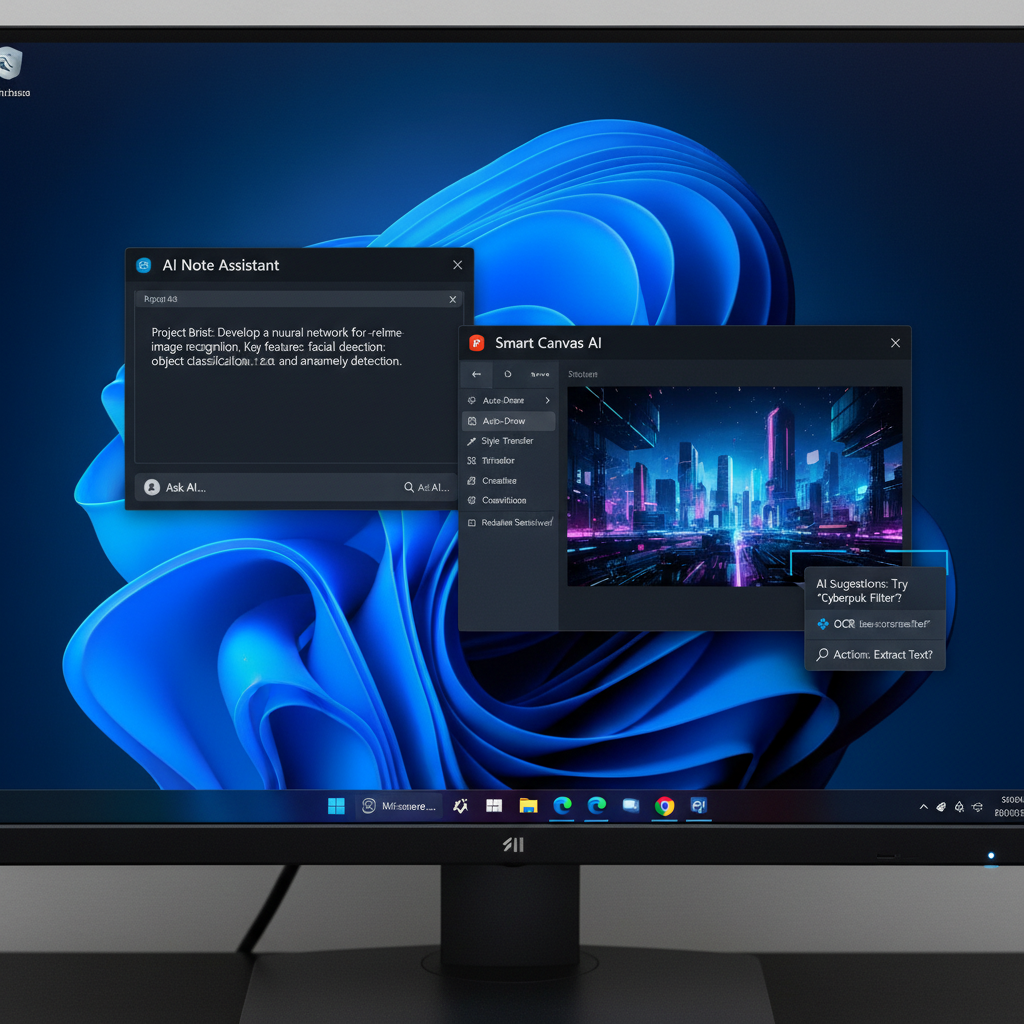
Copilot isn’t the only aspect of Microsoft’s AI strategy for Windows 11. In the background, the business is updating classic programs like Snipping Tool, Photos, and even Microsoft Paint, integrating AI where it makes the most sense. Not for show, but for a purpose.
AI in Known Locations: Paint, Photos, and Snipping Tool
First, let’s look at the Snipping Tool. It has always been the preferred method for taking fast screenshots. It will soon be able to read images in addition to simply taking pictures. With the addition of optical character recognition (OCR) to the Snipping Tool, Microsoft will enable users to extract text from any screenshot or image. Although it may seem easy, the time saved by not having to manually retype text from slides, documents, or web images is enormous.
Consider capturing a screenshot of a software error message, a quote from an online PDF, or a YouTube comment. You can highlight that text and copy it straight into a message or document using OCR. Third-party apps are not necessary. It’s the sort of feature that just makes sense.
The Photos app, which is developing into more than just a gallery viewer, comes next. Microsoft is developing features for object and person recognition driven by AI. This implies that with a single click or two, you will be able to eliminate the background from a photo and isolate a subject, such as your dog or a friend. Previously requiring Photoshop-level tools, these edits will soon be commonplace on your computer. There is no need for a steep learning curve.
Indeed, Microsoft Paint is also venturing into the realm of artificial intelligence. Generative AI capabilities are being added to this iconic tool. Paint will generate an image based on your description, such as “a forest under moonlight with glowing animals.” AI models like DALL·E, which are incorporated into Microsoft’s toolkit through Bing Image Creator technology, enable this.
The Intelligence’s Hardware: Local AI and NPUs
Neural Processing Units (NPUs), which you might not initially notice, are the foundation for all these features. Compared to general-purpose CPUs or GPUs, these specialized chips are made to perform AI tasks more effectively. They enable local processing of AI workloads, which eliminates the need for a continuous internet connection, keeps your data on your device, and speeds up results.
In the past, Qualcomm’s ARM-based processors primarily contained NPUs. However, NPU capabilities are now being introduced into conventional laptops and desktop computers by AMD’s Ryzen 7040 series and Intel’s Meteor Lake chips. This indicates that for the first time, AI capabilities are being incorporated into the types of devices that most people use on a daily basis.
In Windows 11, Microsoft has already started utilizing NPUs to improve video calls by implementing features like eye contact correction and background blur. However, these more intelligent app updates reveal a more profound change. AI isn’t an optional feature anymore. It is integrating into the fabric of the operating system.
The fact that none of this feels invasive is refreshing. No pop-ups requesting that you “activate AI mode” are present. There’s no separate interface or branding. Simply put, smarter tools operating within apps you already know how to use are doing their jobs more effectively.
This type of AI feels grounded in a world full of software that tries to overwhelm with gaudy features and catchphrases. beneficial. Silently transforming. In all honesty, Windows 11 might have needed that very thing.